
Tutorial: Generate CRUD in Laravel with CRUDBooster
Only need 5 minutes


Have you ever thought about how much time it takes to create repetitive CRUD operations in Laravel? And let’s not forget that building a project often involves not just one or two modules, but potentially dozens of modules, all within a tight deadline. I know freelancers and software houses can relate to this a lot. But with CRUDBooster, you don’t have to worry about the boring task of creating CRUD operations. You can save up to 70% of your personal timeline and don’t have to stress about minor bugs like data saving errors or data deletion errors. CRUDBooster will take care of all that for you!
Prerequisites
CRUDBooster v7.x is already installed in your Laravel project (if you don’t have it, please download it here).
Basic knowledge of Laravel.
Installing Laravel (If doesn’t exists)
Open the terminal in the “~/crud-laravel” folder, create it first if it doesn’t.
mkdir ~/crud-laravel && cd ~/crud-laravelRun the following command:
composer create-project laravel/laravel=”^12.0” crudbooster
Check this out this link for more information about Laravel installation
Installing CRUDBooster
Checkout a new license at https://crudbooster.com/ (You may choose Trial if you want to try purpose)
Add this bellow composer config repository at laravel project ~/crud-laravel/crudbooster
composer config repositories.crudbooster vcs https://xxx@repo.crudbooster.com/crudbooster/crudbooster.git
> Replace “xxx” with a code your own (check your crudbooster email regarding project active email)Run this bellow “composer require” at laravel project ~/crud-laravel/crudbooster to start install crudbooster:
composer require crudbooster/crudbooster:”^7.4” -WFollow the install steps at terminal screen, it start with enter your license key. It’s very easy, if you have a question, I like to help, drop your comment bellow.
Generating CRUD with Artisan CLI
Creating CRUD with the Artisan CLI is a very quick method because in general you only need to write the Artisan command, and the CRUD module will be generated immediately. Here’s how to use it:
For prerequisite, please ensure you have a table with already fields inside. Or, please create it first, following this bellow structure:
table: posts
structure:
- id (bigint primary key)
- created_at (timestamp)
- updated_at (timestamp)
- deleted_at (timestamp)
- title (varchar 255)
- content (longtext)
- published_at (datetime)Open the terminal in your Laravel project.
Run following command to create a module:
php artisan cb:crud posts
Great job! You can now access your new CRUD module called "Posts." Just log in to CRUDBooster at http://localhost:8000/cms/auth/login and click on the new menu item labeled "Posts." Enjoy exploring!
Want to know more about command crud? Check out this link: https://crudbooster.com/docs#/?id=via-command-line
Generating CRUD with GUI
For those of you who prefer not to write any code, you’re in for a treat! With CRUDBooster, you can create a CRUD module with just a click—no coding required! It even generates a table for you automatically, so you don’t have to define the table beforehand. Enjoy the simplicity!
Login to your CRUDBooster (http://localhost:8000/cms/auth/login)
Go to menu “Module Builder”
Click on “Add Module Builder” button
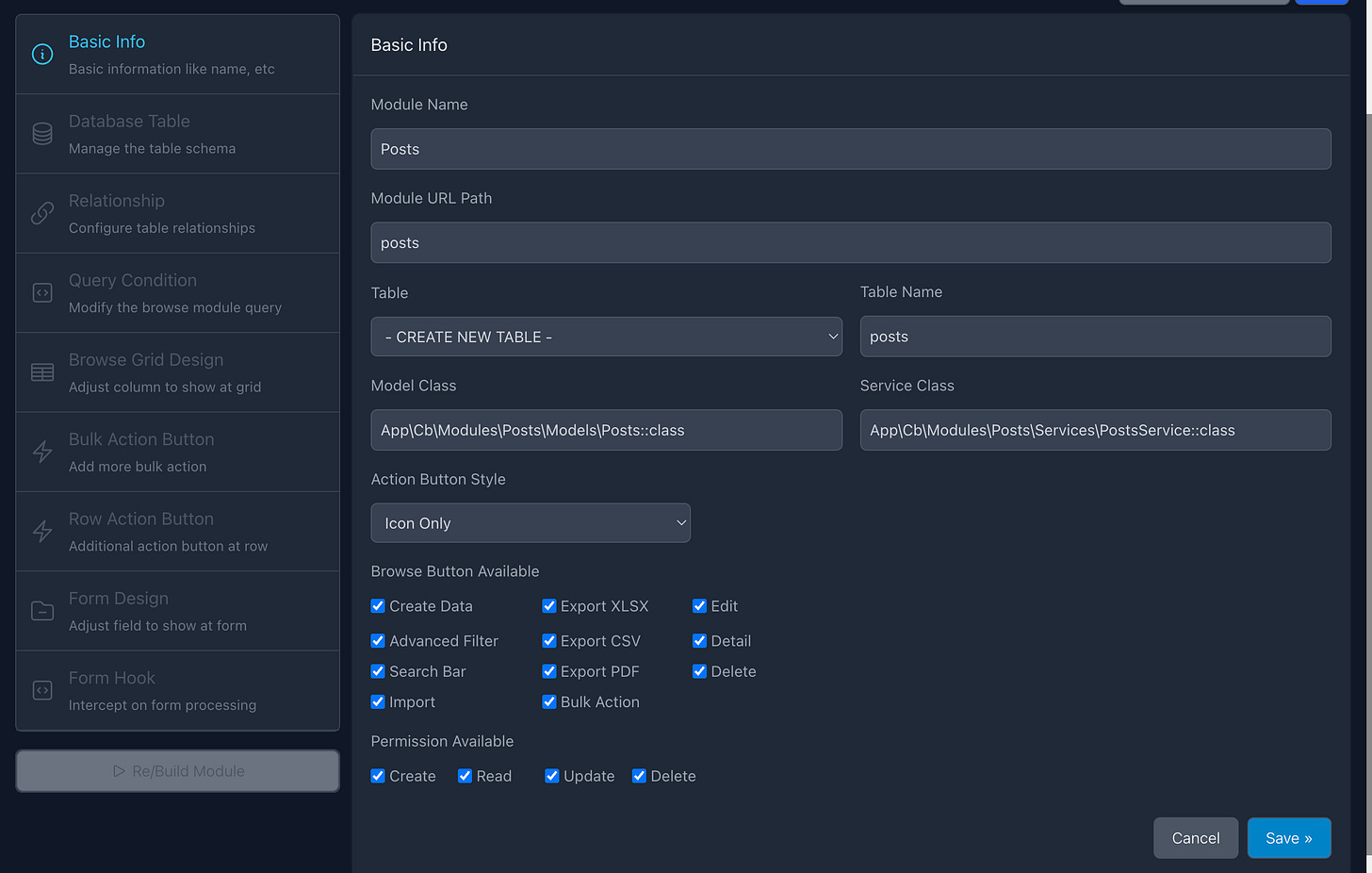
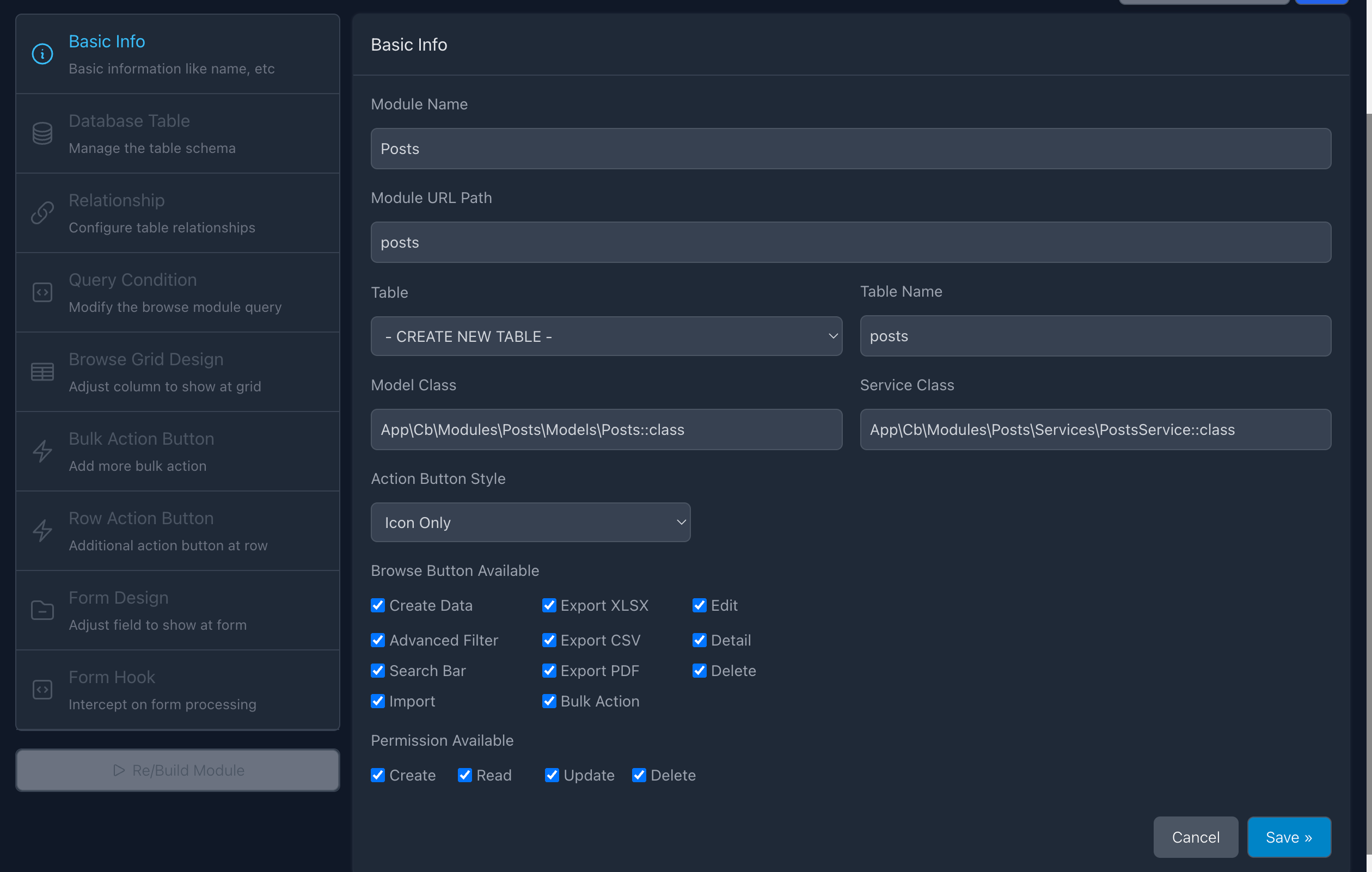
Please fill out the form with the following information, and then click 'Save':
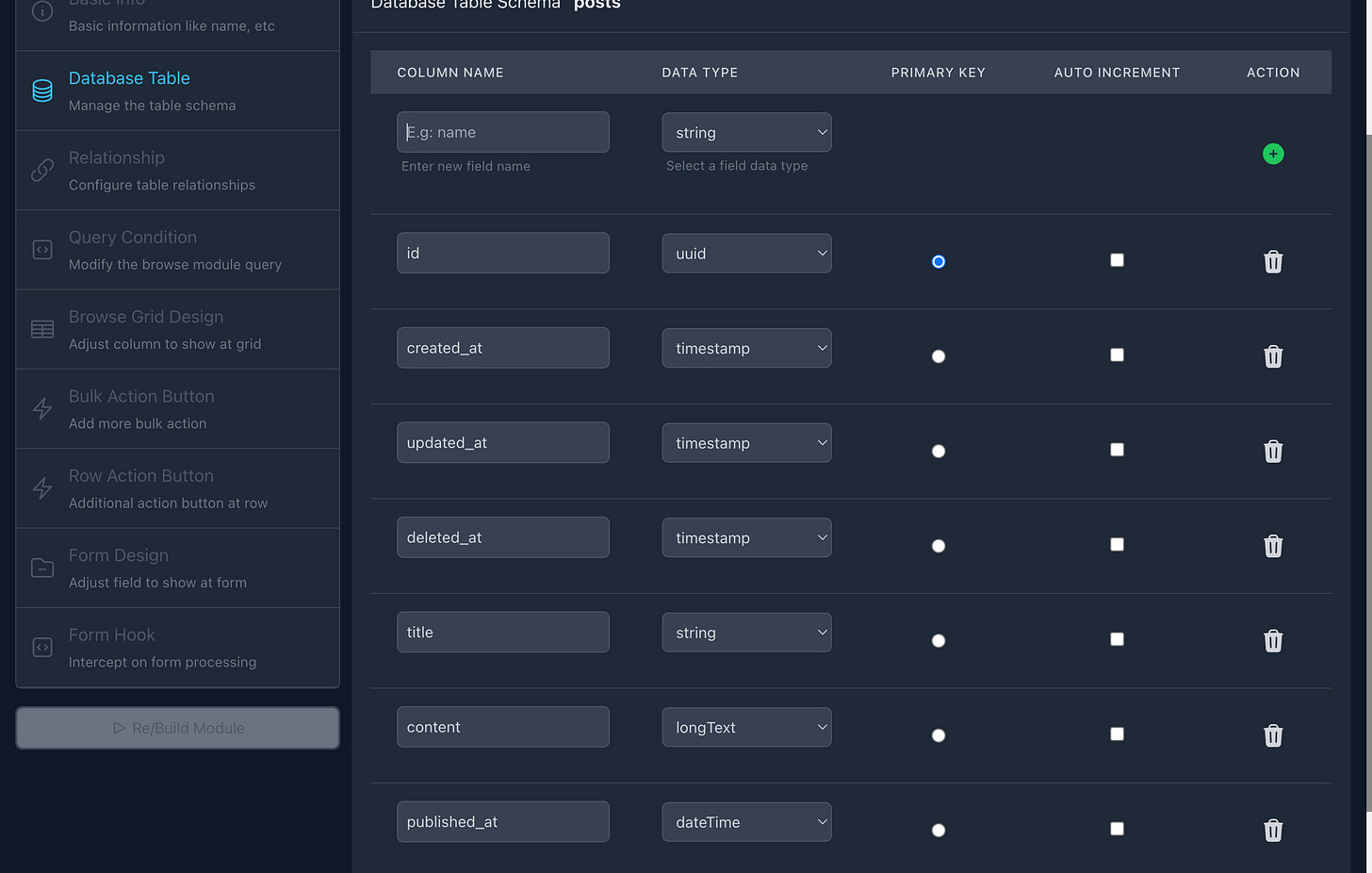
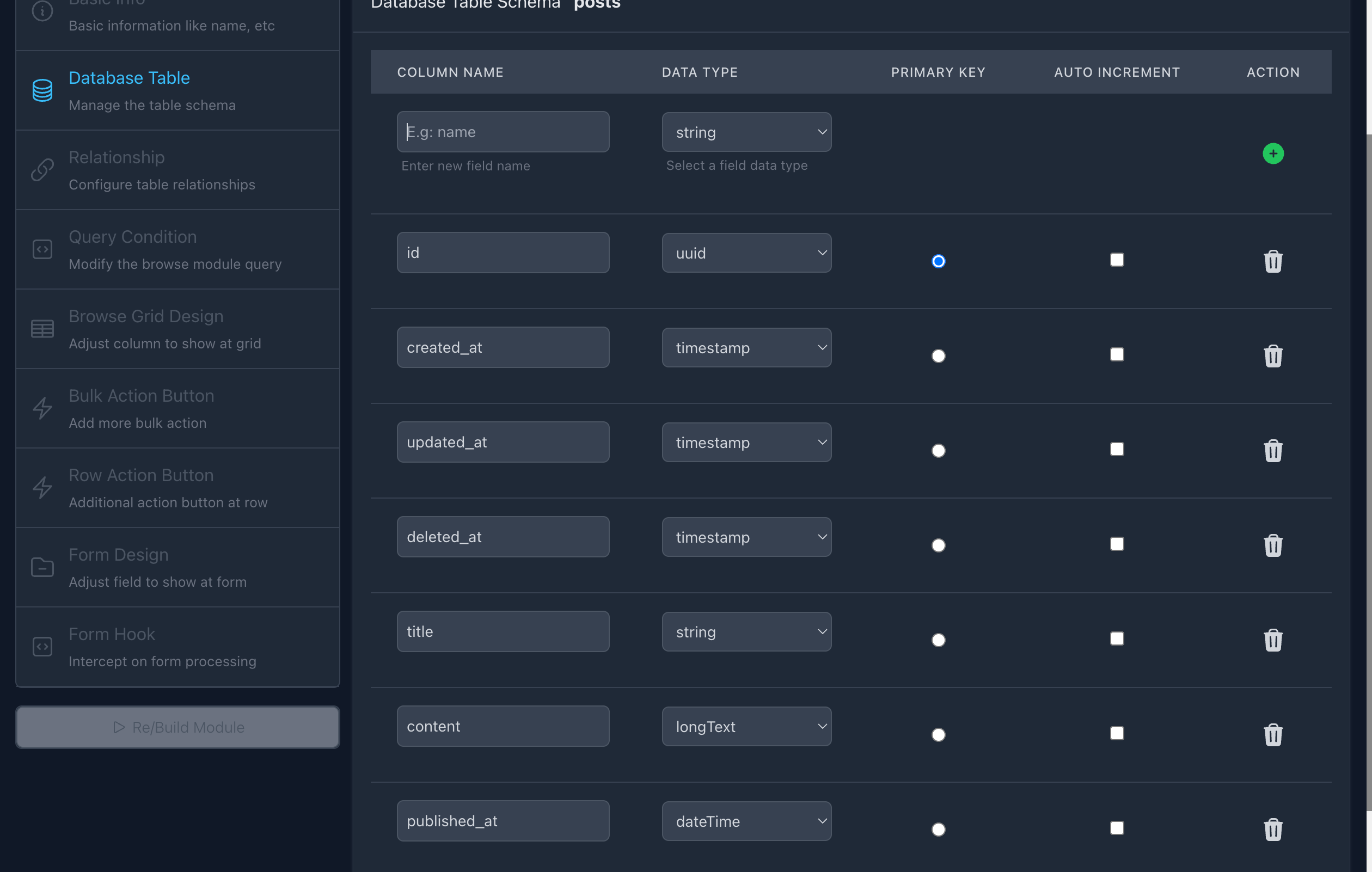
Add some fields to the Database Builder. Enter the column/field name and then click the '+' button. Keep trying until all fields are added! and lastly Click “Save”.
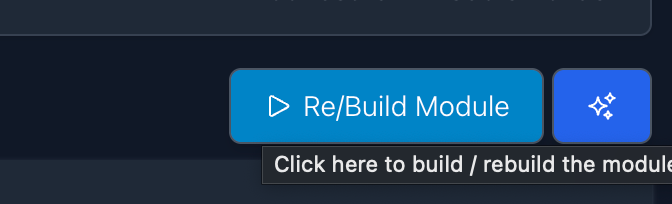
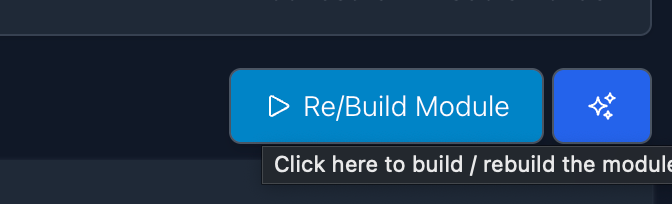
Then, you can click “Re/Build Module” button directly, without fill out all menu (Relationship, Query Condition, Browse, etc) first.
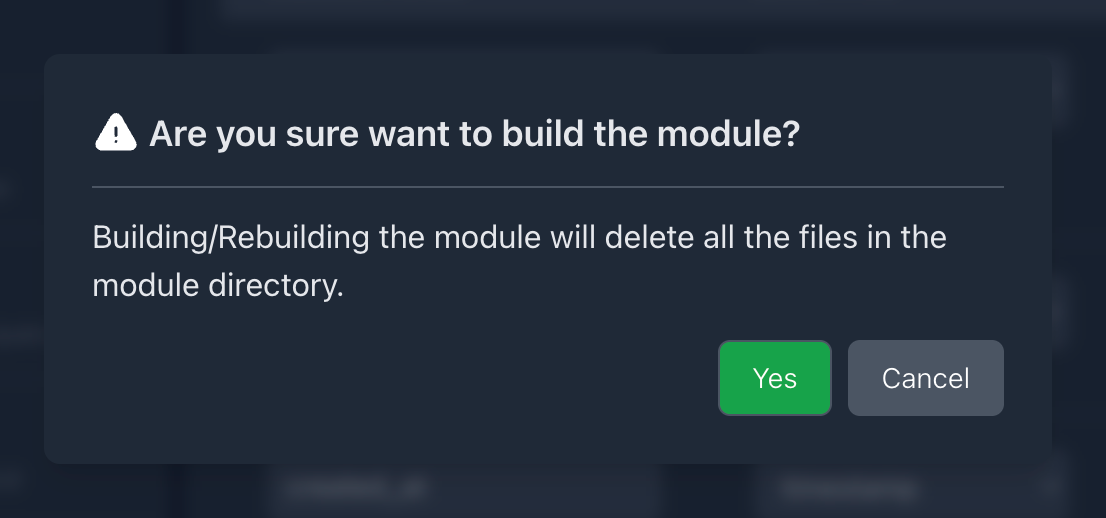
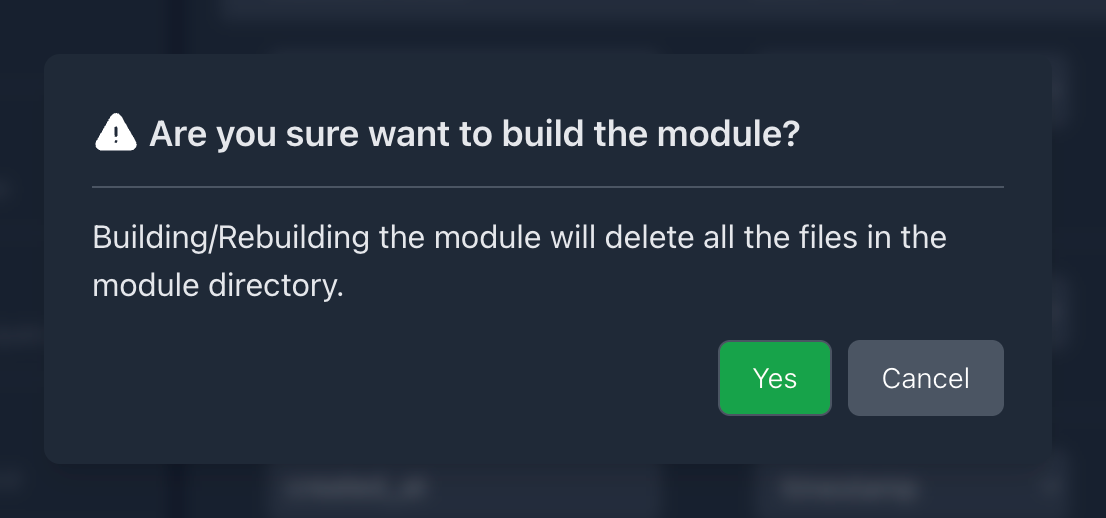
Click “Yes” on build module confirmation
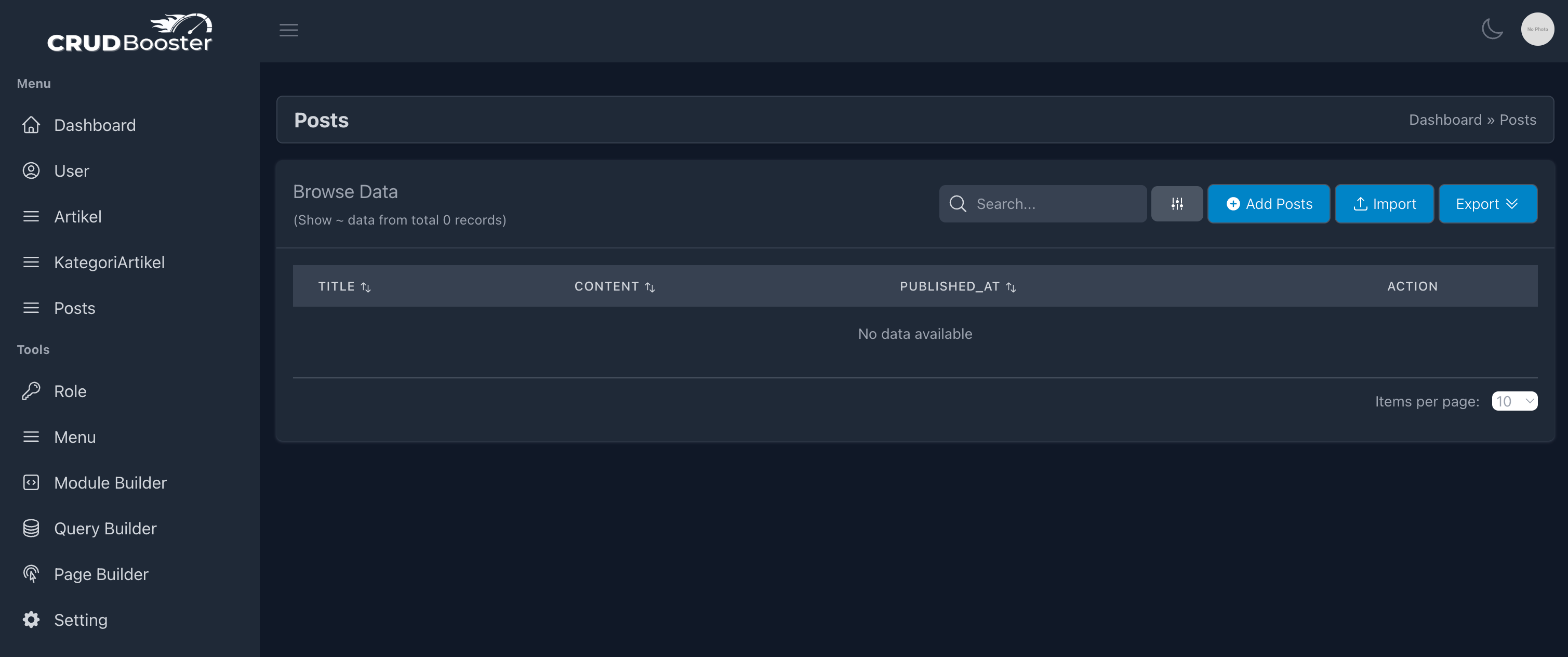
You have done, you will see a new menu on the sidebar labeled “Posts”. Now let’s try by clicking it’s menu.
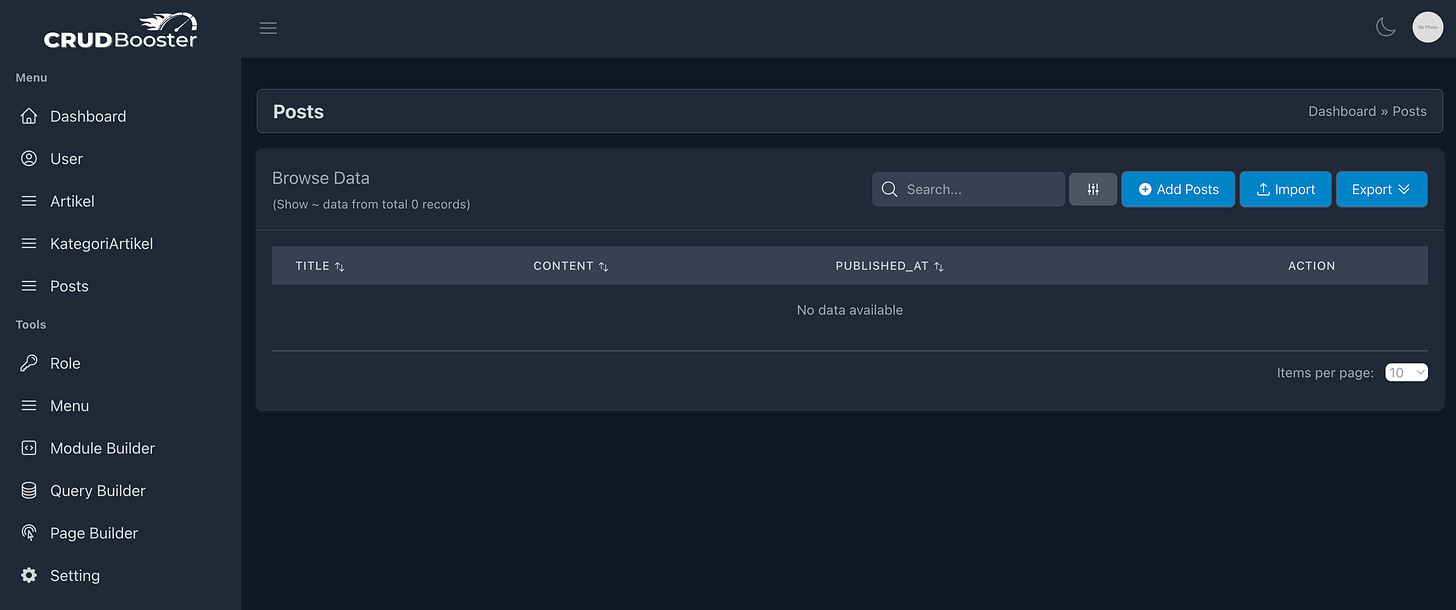
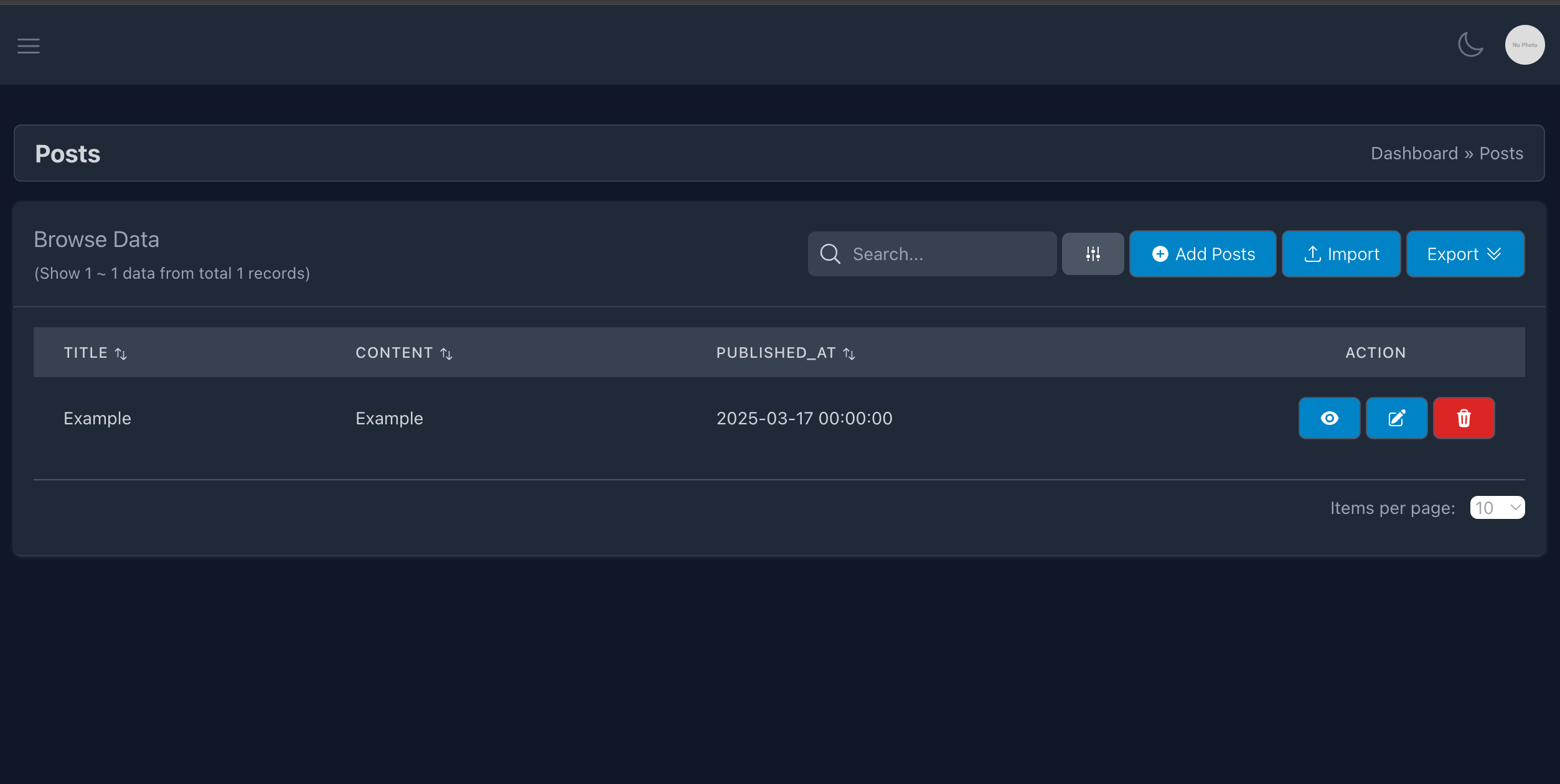
Voila, great you have a new crud module labeled “Posts” that you have create by using GUI.
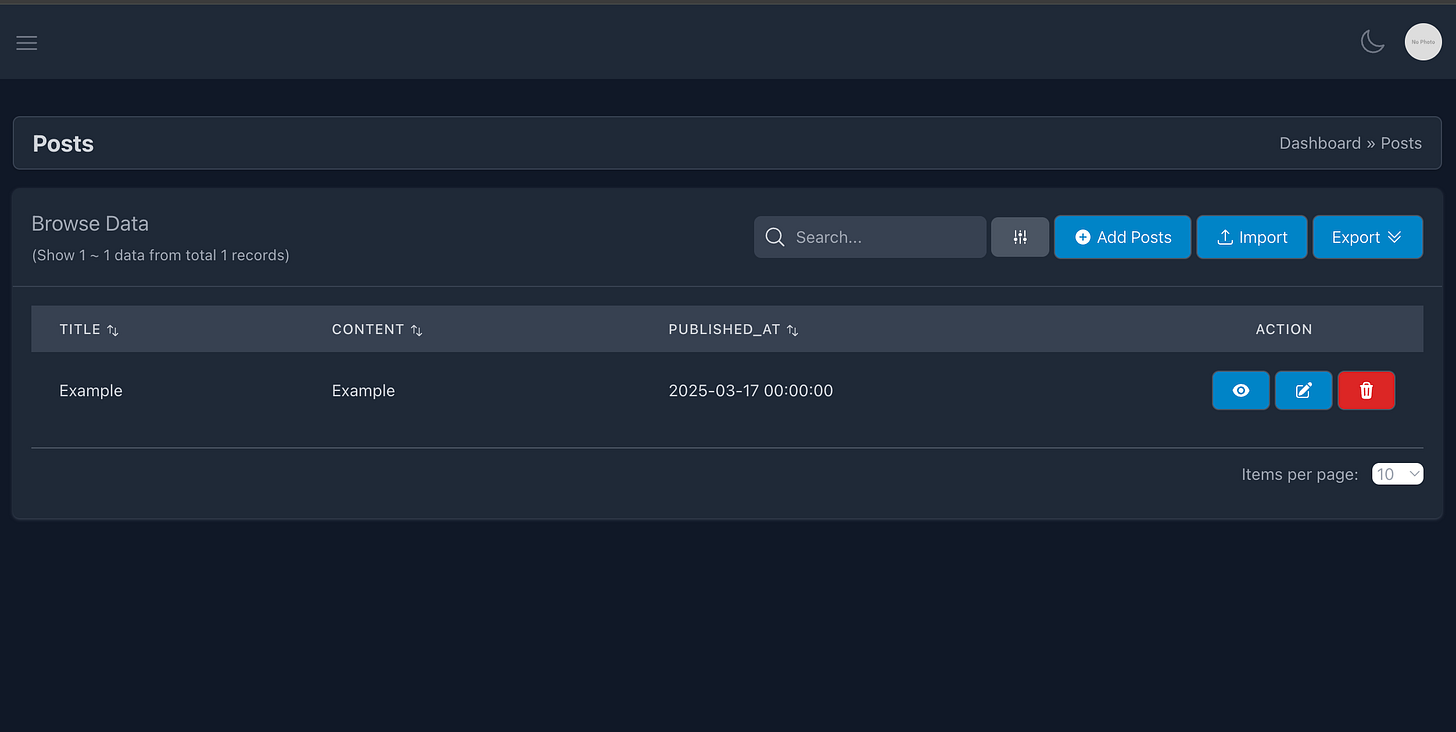
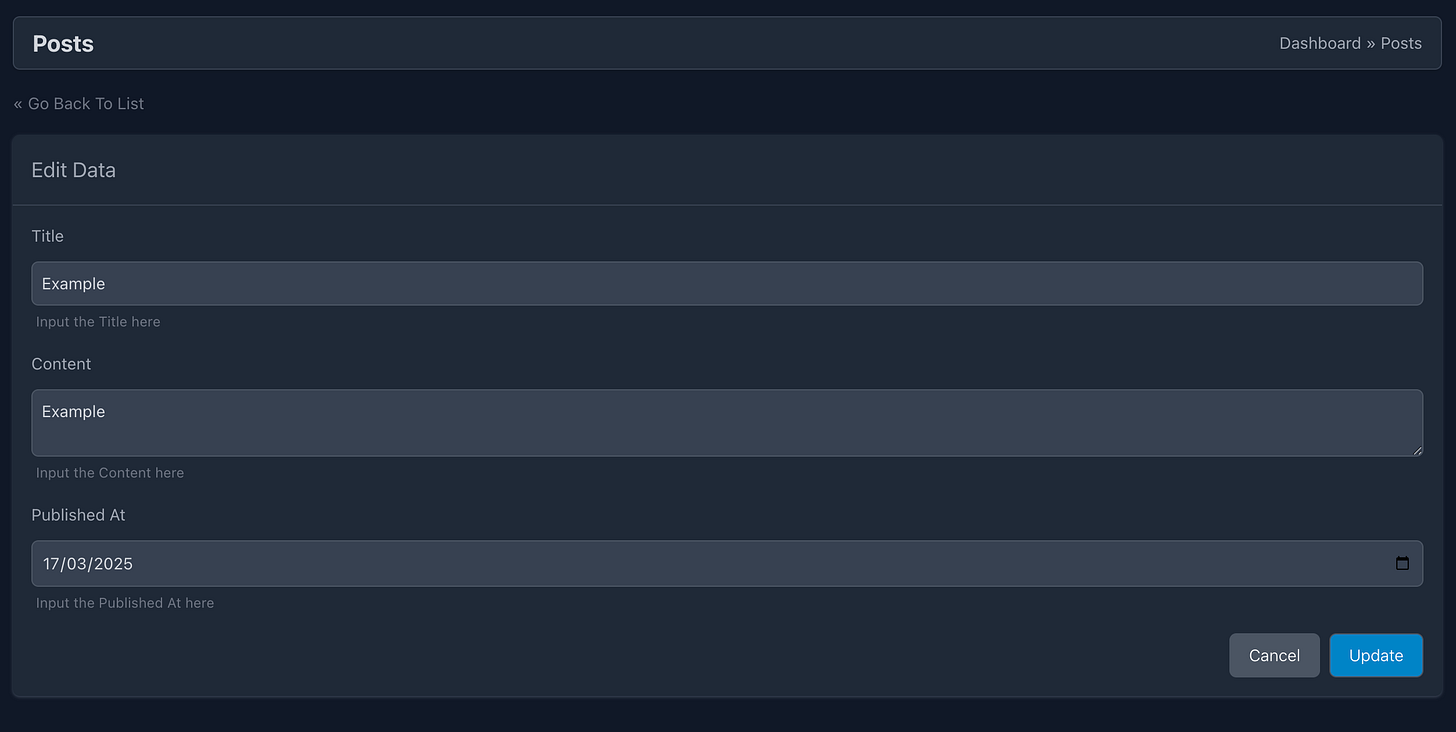
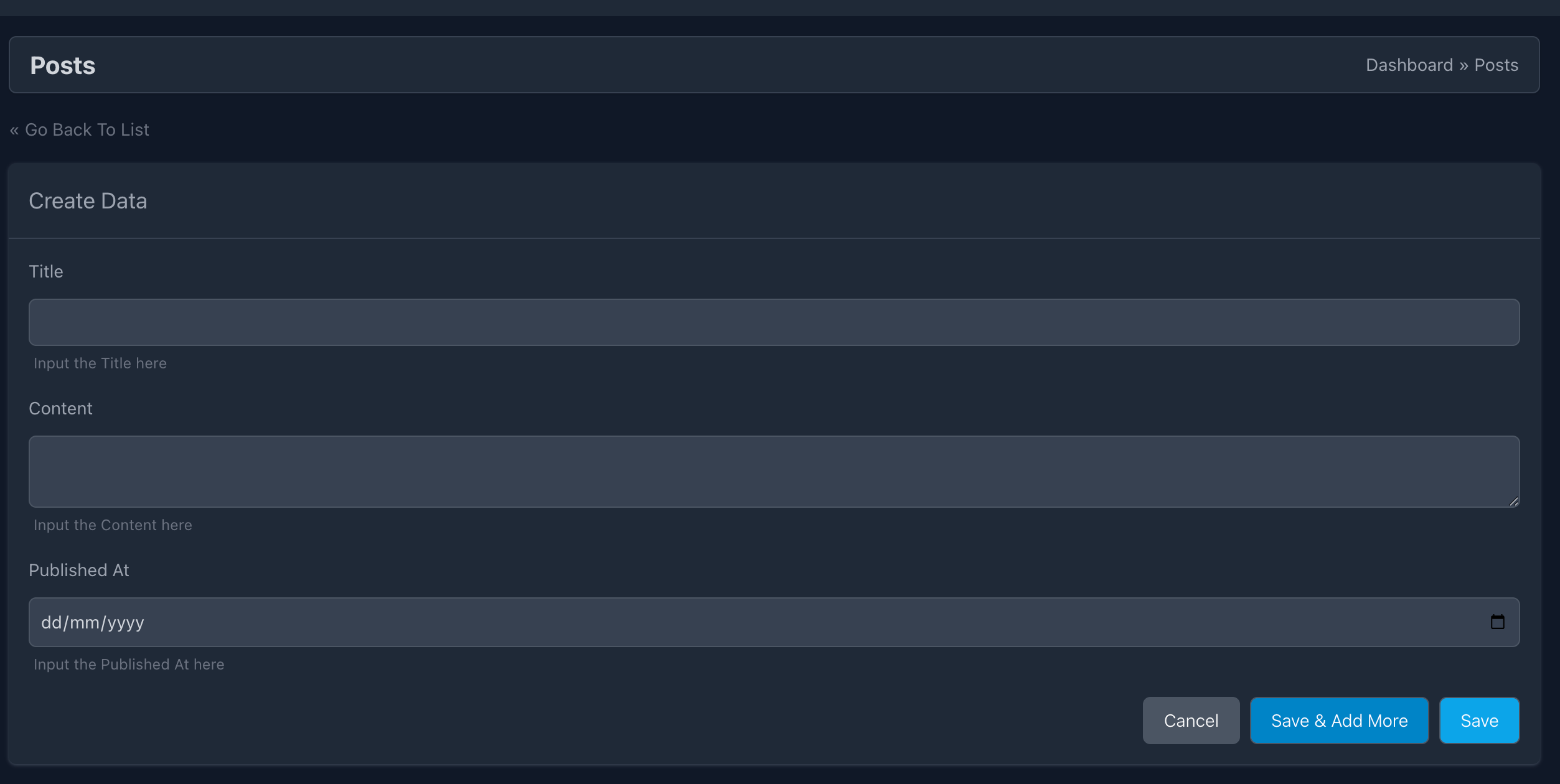
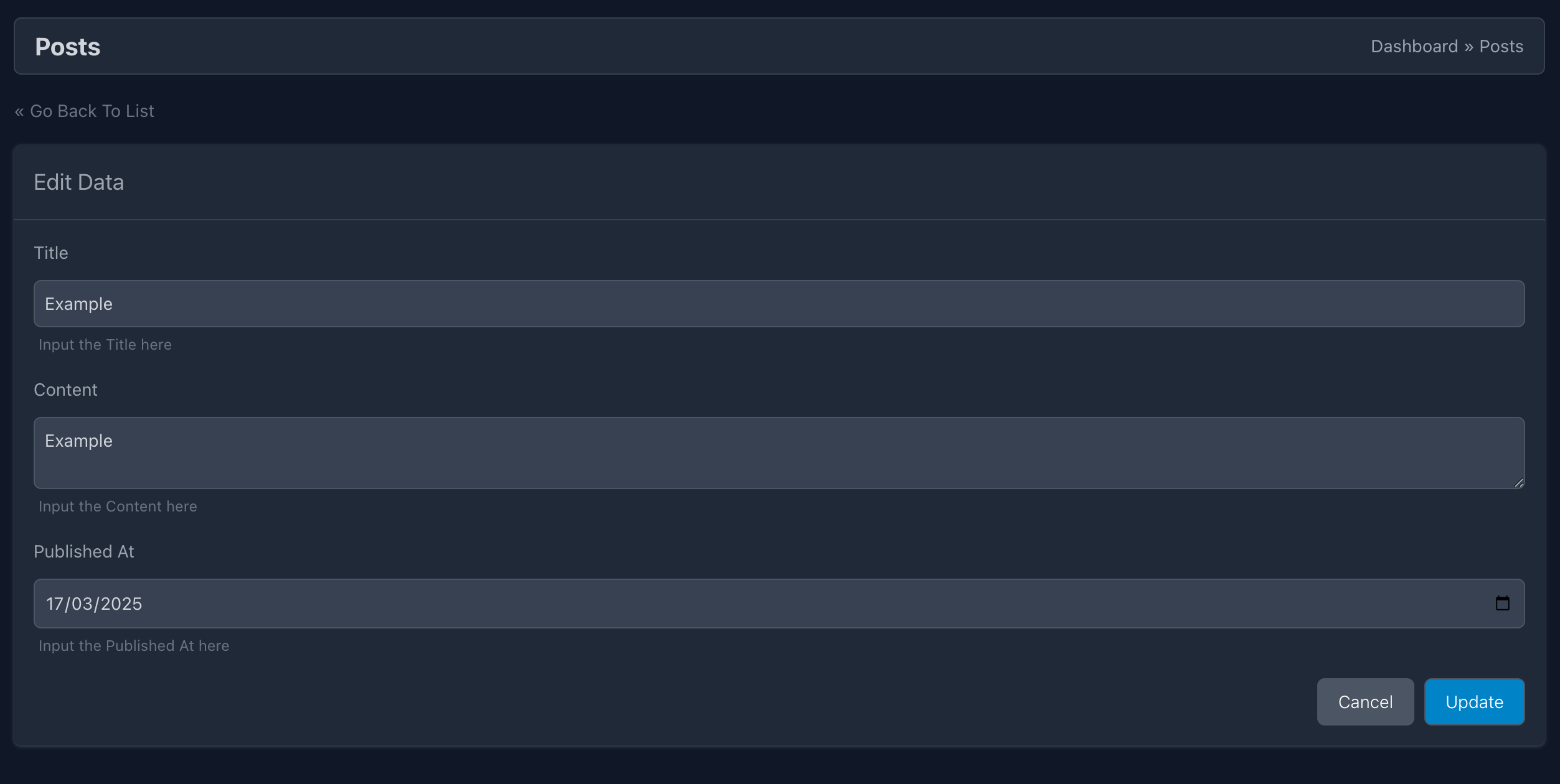
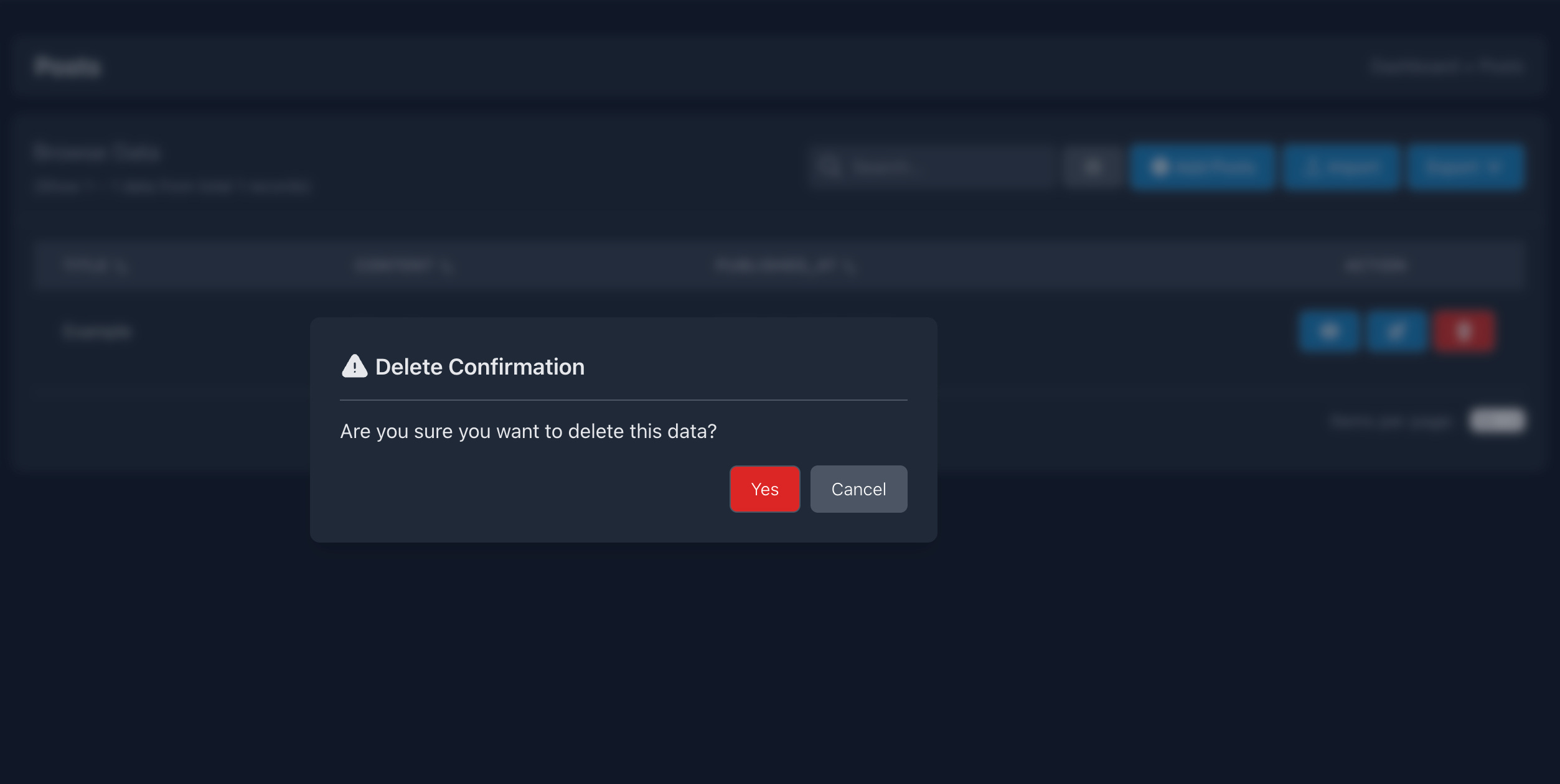
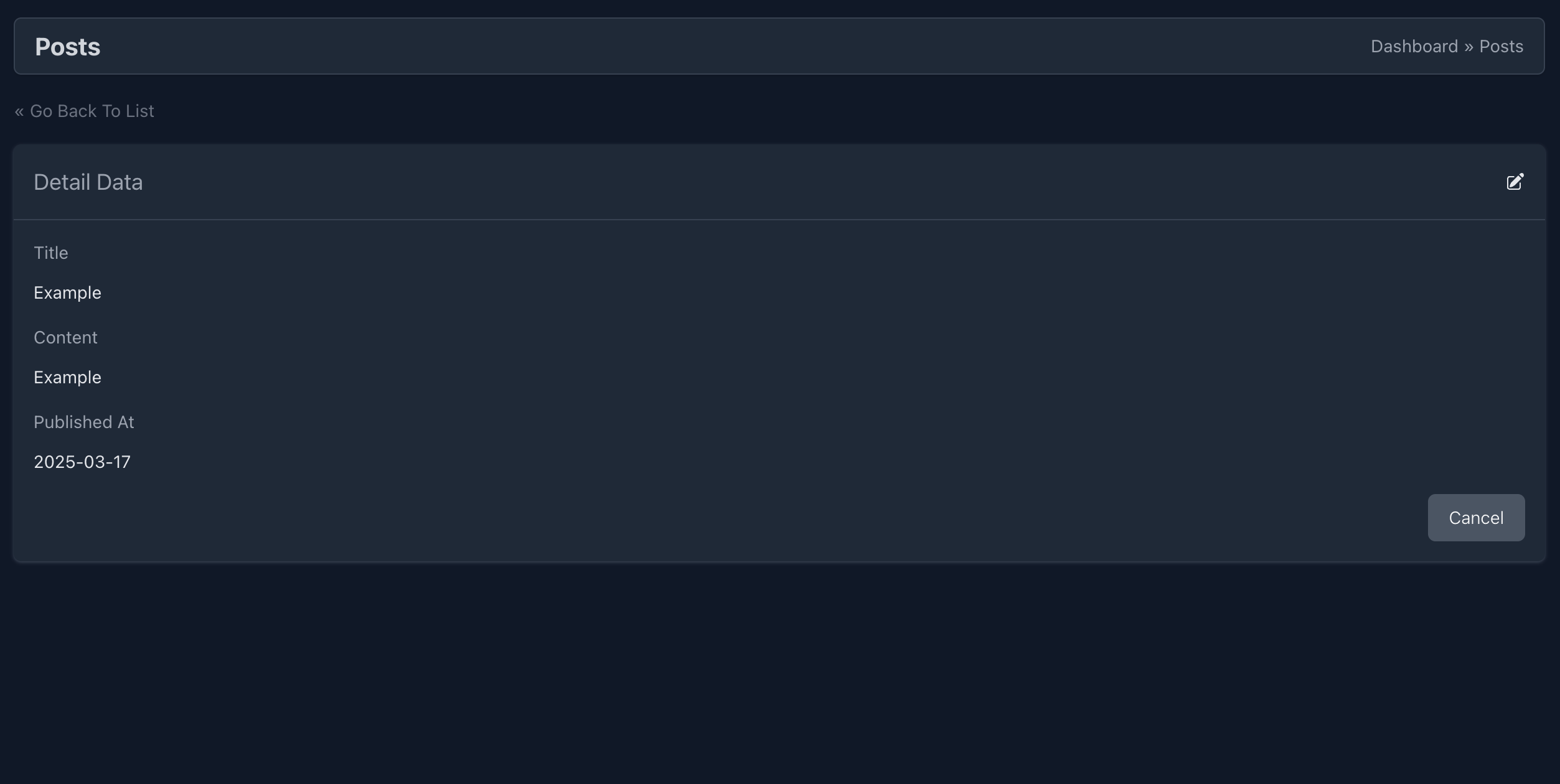
Explore on other feature like Add data, Edit and Delete data
Add Form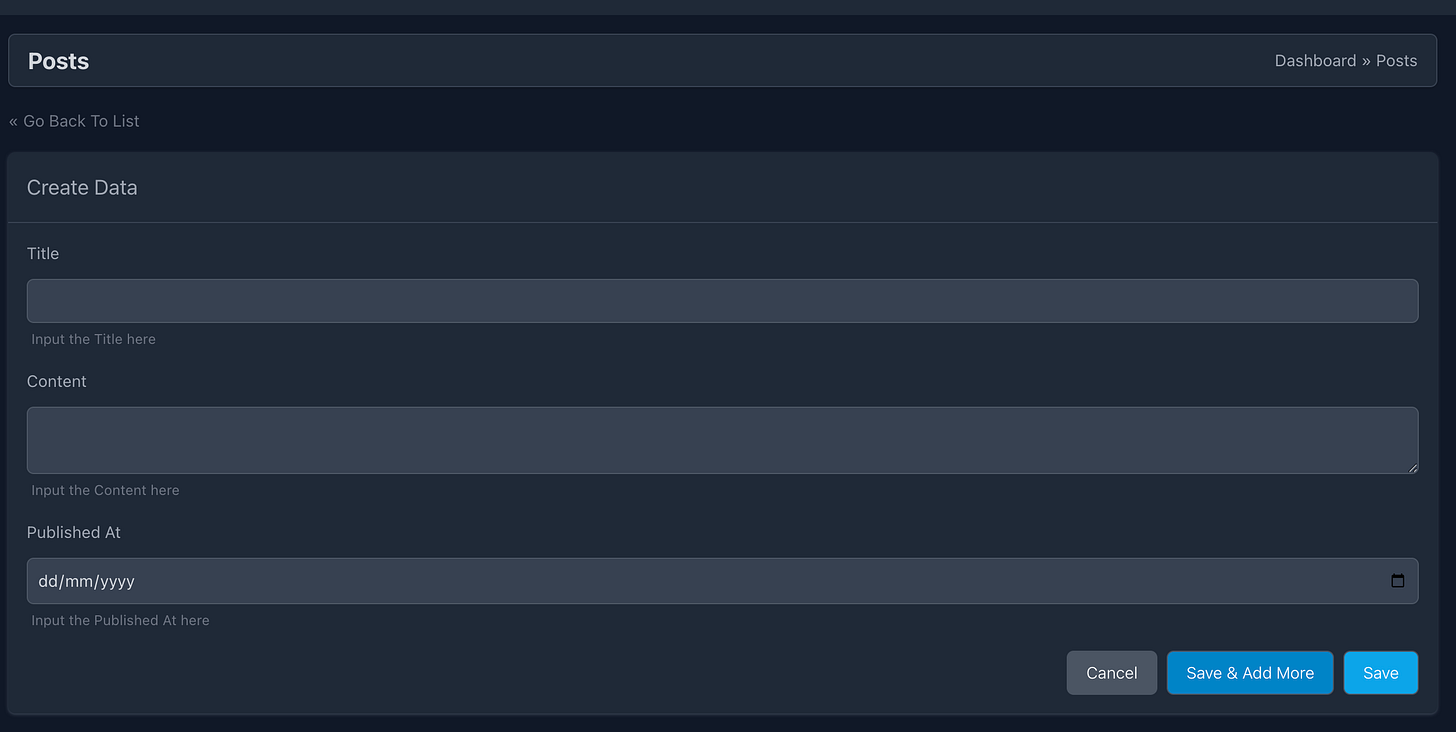
Browse
Edit
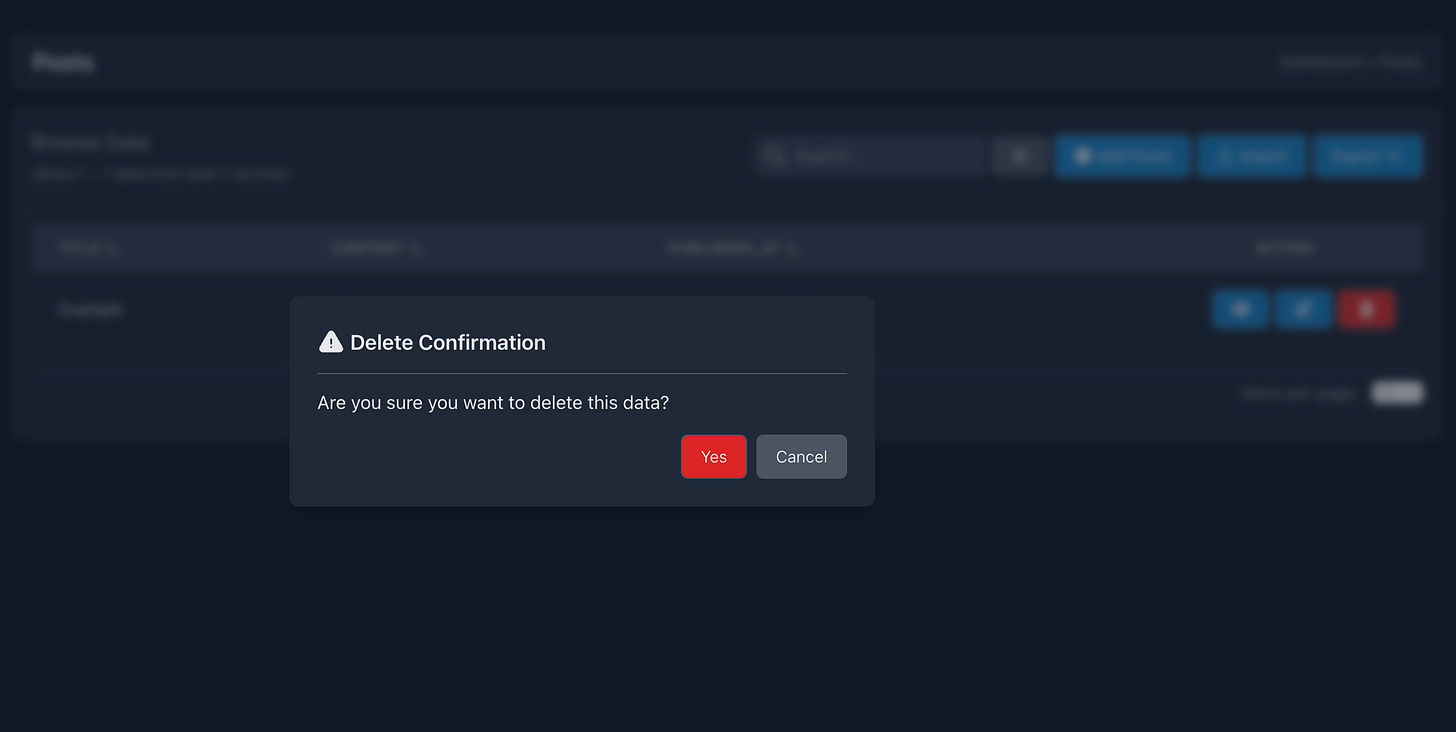
Delete
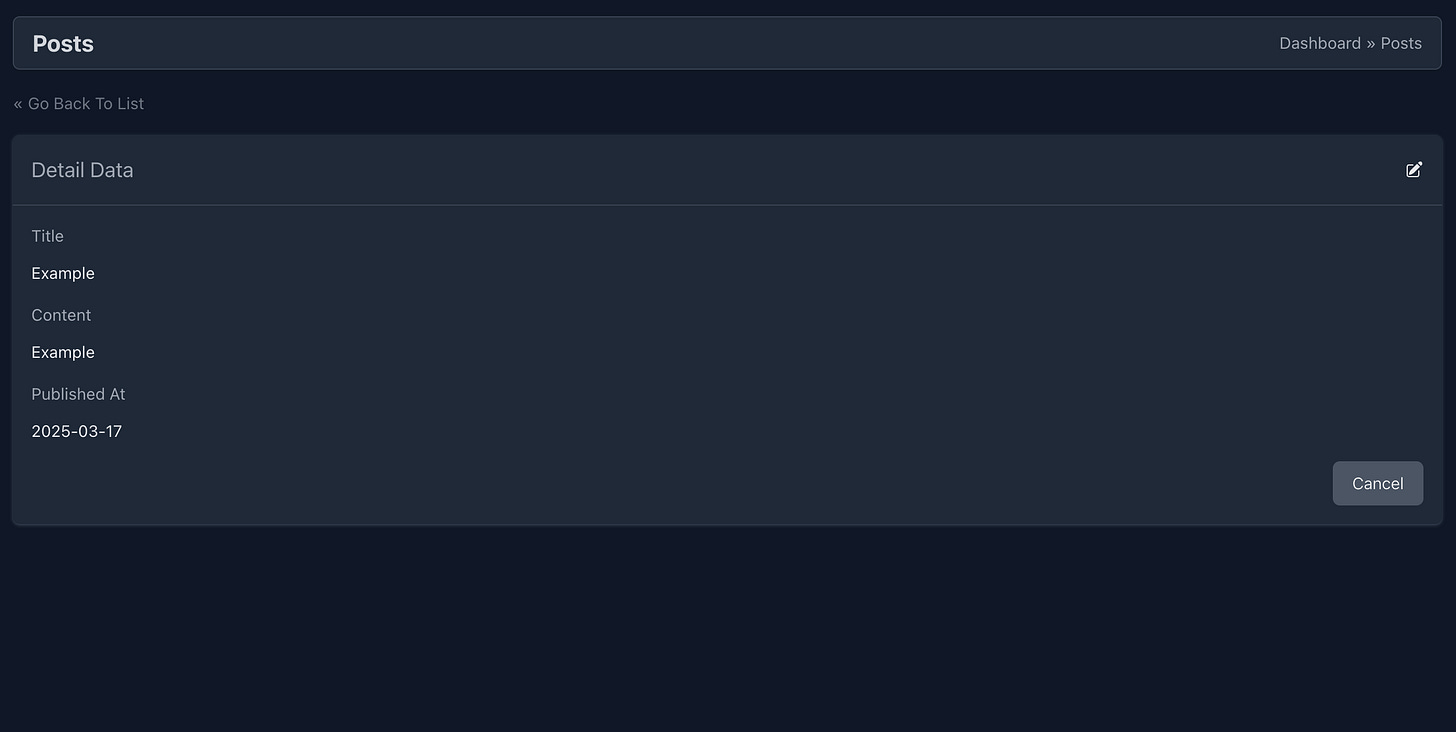
Detail Data
Conclusion
By following this tutorial, you’ve learned how to efficiently create a CRUD module in Laravel using CRUDBooster. Whether using the command-line interface (CLI) or the graphical user interface (GUI), CRUDBooster streamlines the process, saving valuable development time.
With its powerful features and intuitive tools, CRUDBooster allows developers to focus more on building functionality rather than repetitive CRUD operations. Now, you’re equipped to speed up your Laravel backend development with ease. 🚀
Ready to take it further? Try building more complex modules and customize them to fit your project’s needs! Download CRUDBooster Now!
Stay tuned for an even more detailed tutorial in the next one! If you haven’t already, subscribe to this substack to get all the latest updates.